What's New in PropsMadness: Mid November 2026
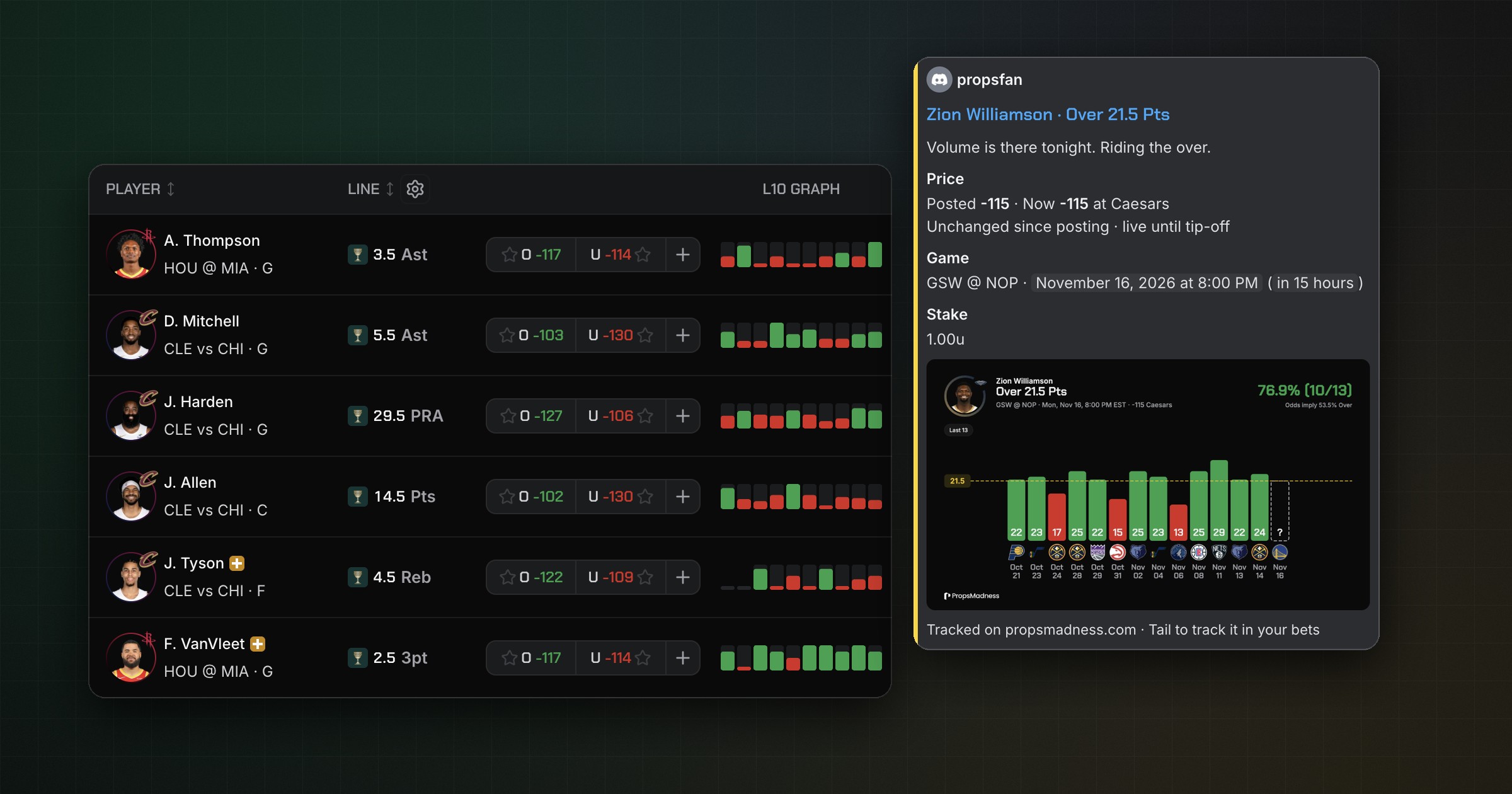
Big one this time. Explore now has a multi-market board: points, rebounds, assists and threes in one table, no more jumping between market pages.
You can also post your picks straight to the PropsMadness Discord and let others tail them in one click. Plus H2H hit rates, saved filter presets and a pile of smaller upgrades.
Here's what's new.
The multi-market board
The best spot on the slate isn't always in the market you're looking at. The board puts every market you care about in one Explore table, so you can sort and filter them all at once.
- Pick your markets: check as many as you like in the market select at the top
- It sticks: your markets are saved to your account
- Everything works: sort by hit rate or Matchup Grade, filter, and track a bet with the +
- Make it yours: hit Configure markets under the table to reorder or hide markets
Free with up to 6 markets. Pro removes the limit. On a phone, it's the Multi market tab.
Share your picks in the PropsMadness Discord
Like a pick? Post it to the community. Track a bet from a player page, turn on Share to PM Discord, and it lands in the picks channel.
- Say why: add a line under Why this pick?
- Bring the graph: Show graph posts the player's graph with your filters on it
- Check first: on desktop you see the post before it goes out
- Tail in one click: others hit Tail 1u, Tail 2u or Tail custom and the pick lands in their My Bets
The post keeps itself up to date: it tracks the price until tip-off, then shows the result. Posting and tailing need Pro and a linked Discord account.
H2H hit rates in Explore
Some players just own certain teams. Explore now shows how often each player beat today's line against today's opponent.
- New columns: Season H2H, Prev H2H and 3 Szn H2H, with 3 Szn H2H on by default
- Filter by it: add H2H hit rate, pick Over or Under and set a range
Saved filter presets
Got a filter setup you use every day? Hit Save, name it, and apply it from Presets on any slate. Presets are Pro, work on the web and in the app, and are saved on the device you made them on.
Also new
- Share any bet as a pick card from My Bets, in Tall or Wide.
- Bet details: click a bet in My Bets to see its price, closing line and timeline.
- Sharper CLV: measured against the no-vig close, with your average after 20 bets.
- Big stakes need a confirm: more than 5 units asks before tracking.
- ET or local days in My Bets, with the Days in toggle.
- Back-to-back filters: B2B 1st Leg and B2B on NBA and WNBA player pages.
- Mix any seasons: season chips now toggle one by one.
- NBA tracking stats: filter by Touches, Front Court Touches, Drives and Time of Possession.
- Expected minutes that follow you as you browse players.
- Teammate impact in the teammates dialog: hit rate and stats for the games you pick, next to the rest.
- Short samples are underlined in Explore, and sorted last.
- Injury badges on Explore cards and rows.
- Favorite targets on the NFL cheat sheet.
- A tab bar on mobile web for Explore, Favorites, Bets and Search.
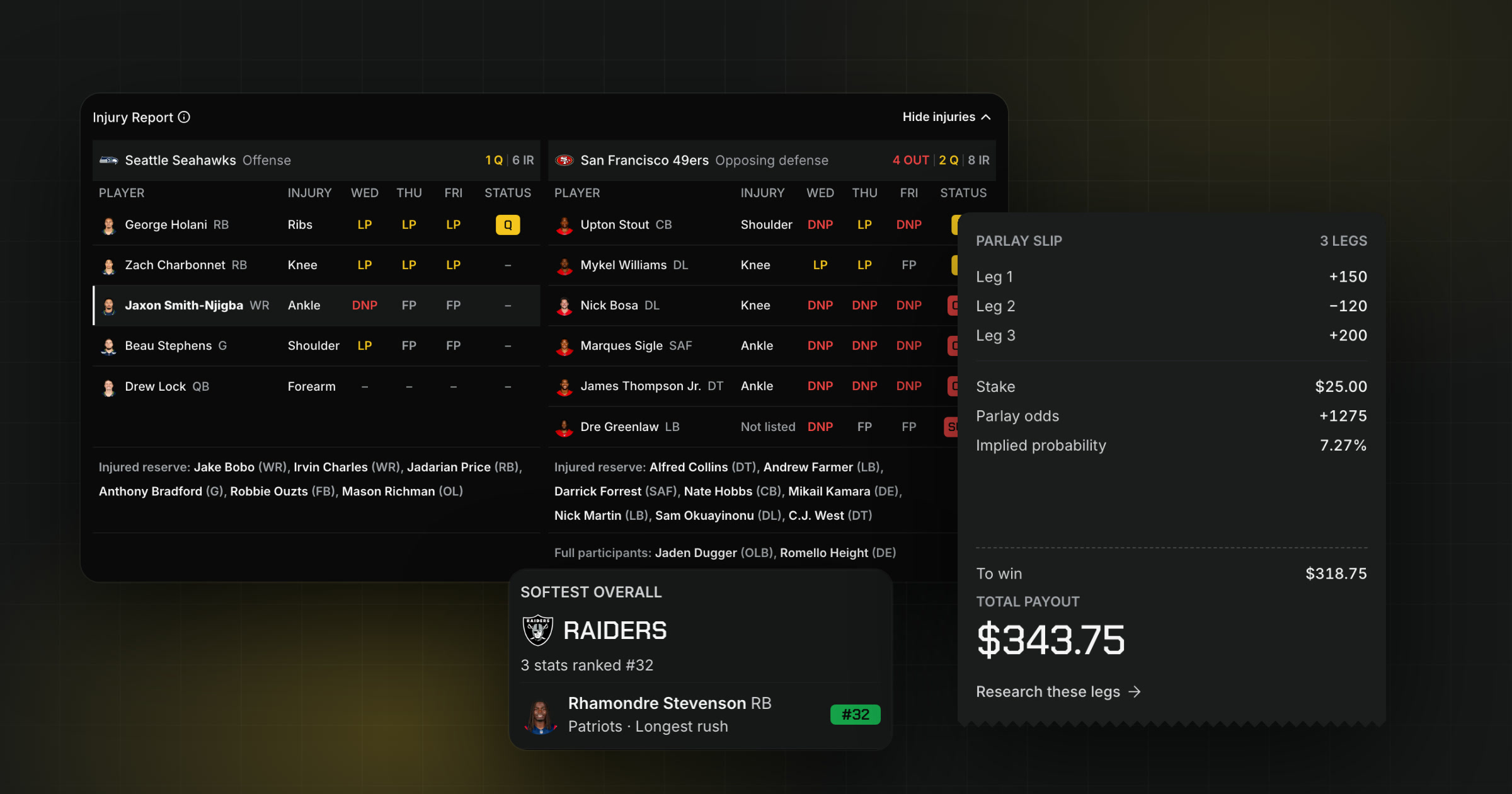
- In the app: odds from every book, Favorites for every league, and the NFL Injury Report on the Matchup tab.
Frequently asked questions
Is the multi-market board free?
Yes, with up to 6 markets. Pro removes the limit.
What do I need to post picks to Discord?
Pro and a linked Discord account. If yours isn't linked, the Track bet slip shows Connect Discord.
Can I delete a pick I posted?
Yes, as long as no one has tailed it. Untracking the bet removes the post too.
More from PropsMadness Team
What's New in PropsMadness: Late October 2026
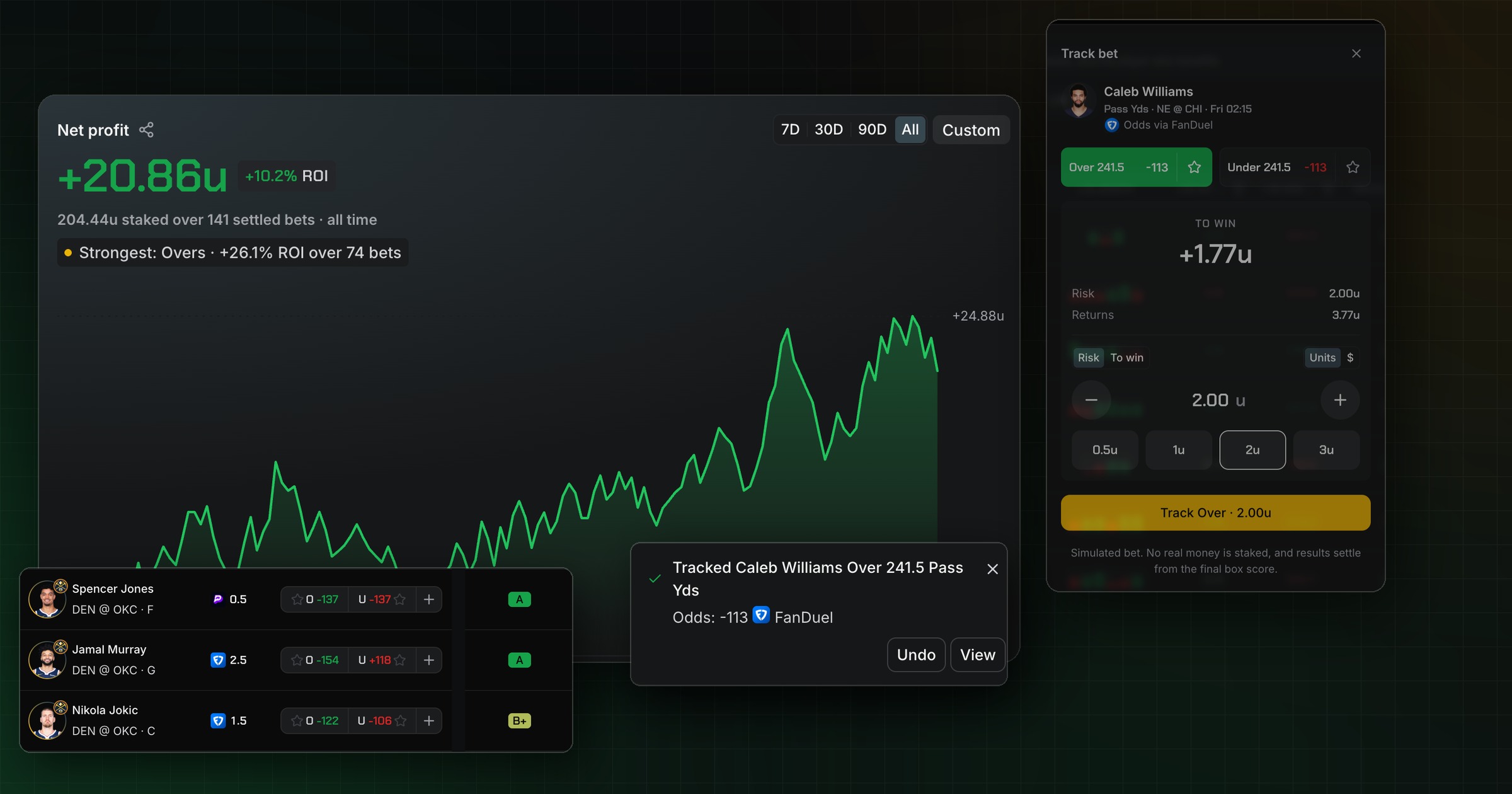
Free bet tracking with automatic grading, profit, ROI and closing line value, a Matchup Grade on every NBA, WNBA and NFL prop, plus NBA, a new site-wide menu and Explore upgrades.